Menu

DJI RoboMaster S1

DJIEditorial review pending

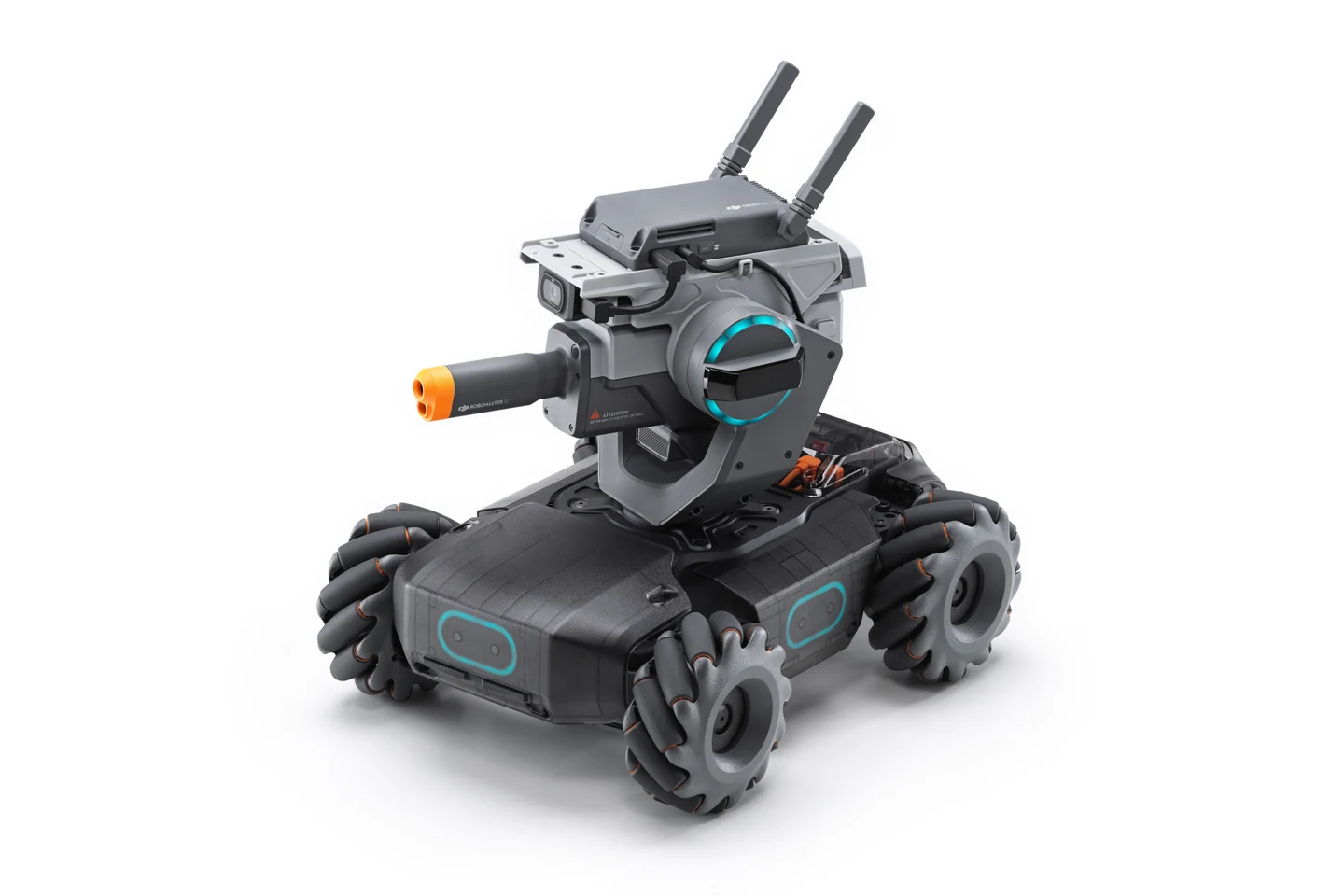
Complete gray RoboMaster S1 with orange muzzle, turret and four wheels against a white background.

Image: DJI Europe. DJI RoboMaster S1 in its assembled configuration. Official DJI Europe product image, published October 29, 2019. Historical image, not a current stock or regional package claim. Image source (opens in a new tab)

RoboMaster S1 is a ground robot programmed through RoboMaster Lab in DJI’s RoboMaster app. It supports Scratch and Python. Choose examples written for S1: RoboMaster EP and EP Core are different packages, and their arms, accessories and software interfaces are not automatically part of this model.1

Start with a working connection

DJI’s September 16, 2020 release note identifies firmware 00.06.0500 and app version 1.1.4 or later. The US iOS listing records app version 1.1.6, published February 5, 2021. For an older unit, use those references to identify its software, then ask to see installation and activation on the device you intend to use.23

S1 connects directly over Wi-Fi or through a router. DJI says router operation itself does not require internet access. First-time activation, downloads and account services are separate steps, so work through those before planning a session without internet. A short program run is a more useful demonstration than a support-page link alone.1

Prepare the space and supervision

DJI recommends appropriate flat surfaces and avoiding sand, dirt and very slippery floors. S1 is not waterproof. Choose a clear place for the planned driving or coding activity and read the product’s full operating instructions before using it.1

DJI’s safety guide says S1 is not intended for children under 14 without direct adult supervision. That restriction is different from a guarantee that older users face no risk. Use a DJI-approved charger and do not use or charge damaged or leaking batteries.4

Check the complete ownership plan

S1’s documentation includes camera, audio and program-sharing features. Discuss where the camera will point and which sharing functions you want to use. Router operation without internet does not, by itself, explain retention or deletion in the app’s services.1

Before paying for an older S1, establish who will provide repairs and whether a suitable replacement battery is available in your region. Ask the seller to demonstrate charging, connection and the programming mode you want. The support and download pages are useful references, but a working, supportable unit is what the household needs.1

Explore further

Sources and notes

  1. 1. RoboMaster S1 support

    Exact S1 documentation for Scratch/Python in RoboMaster Lab, direct/router Wi-Fi, surfaces and water limits. Router operation without internet is narrower than offline installation, activation or all account services. EP/EP Core features are not transferred.

    Evidence checked: 2026-10-26

  2. 2. S1 release notes

    September 16, 2020 release document: firmware00.06.0500 and corresponding app1.1.4 or later. This is a historical version reference, not an installed-software check.

    Evidence checked: 2026-10-26

  3. 3. DJI RoboMaster iOS listing

    DJI’s US iOS listing records version1.1.6 dated February 5, 2021 and an iOS minimum. Those details are neither a hardware age recommendation nor proof of activation on a current device.

    Evidence checked: 2026-10-26

  4. 4. S1 safety guidelines v1.0

    S1 guidance requires direct adult supervision below14, an approved charger and avoidance of damaged/leaking batteries. The restriction is not a risk-free declaration for older users; follow the complete product instructions.

    Evidence checked: 2026-10-26

What does degrees of freedom mean?