Menu

Sphero BOLT+

SpheroEditorial review pending

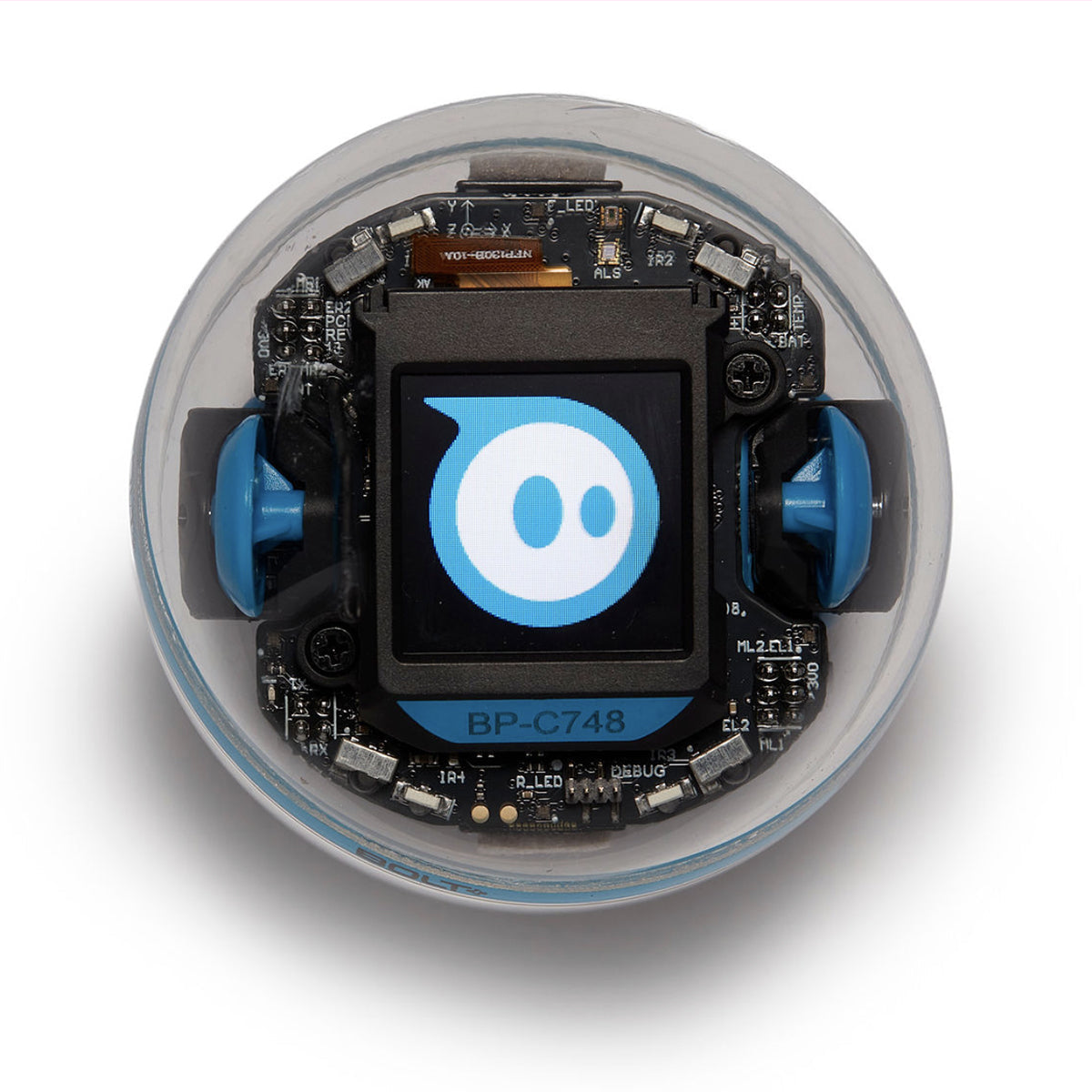
One transparent Sphero BOLT+ ball with a square LCD showing a blue Sphero graphic.

Image source: Sphero. Sphero BOLT+, the LCD-screen model, shown alone in the maker image for its Single Robot variant. Not a classroom pack or mat bundle. US-oriented source; capture date and current regional package contents are unestablished. Image source (opens in a new tab)

BOLT+ combines a rolling robot, sensors and a programmable LCD screen. Sphero lists it as a 2024 model. A moving character that displays a message or animation is a useful project to picture before buying: the screen can be part of what you program, as well as what you watch.21

Choose the coding route

Sphero’s product page names Draw, Blocks and Text programming, including JavaScript and Python. Some compatibility wording on that page still names only JavaScript. If a project depends on a particular language, check the exact editor on the phone, tablet or computer you plan to use.1

Supported desktop systems can connect through Chrome or Edge. Phones and tablets use native apps, which also provide an offline programming route. The browser version needs internet access. Its locally stored programs can disappear when browser storage is cleared, so choose a saving routine before building a collection of projects.3

An account is a separate choice

Quick Start lets someone try core programming without an account. Central accounts add cloud storage and family or classroom management. Consider whether you need those shared features, who will manage access and where the child’s work should be saved.4

Check the box and the charging routine

BOLT+ is offered as a single robot and in classroom packs with 15 robots. The package identified as SKU 970-0999 includes a code mat; the USD 3,688 listing associated with it is a bundle price, not the price of one robot. Compare the quantity and charging equipment on the exact offer you are considering.1

Sphero’s battery guidance advises against opening sealed round robots and recommends deep sleep for storage. For a household, plan a place to charge the robot and a way to put it away between projects. Before relying on an older or second-hand package, confirm battery support and demonstrate the app with the actual robot.5

Explore further

Sources and notes

  1. 1. BOLT+ product listing

    BOLT+ has an LCD screen and separate single-robot and classroom-pack options. SKU970-0999 and USD3,688 refer to a pack with a code mat, not one robot. BOLT+ features do not describe original BOLT.

    Evidence checked: 2026-10-26

  2. 2. Sphero Edu compatibility

    The maker table identifies BOLT as 2018 and BOLT+ as 2024. Minimum software and Bluetooth requirements have platform/profile exceptions. A listed minimum does not establish successful pairing or every editor feature.

    Evidence checked: 2026-10-26

  3. 3. Sphero web versus native

    Sphero distinguishes desktop browser connections from mobile native apps. Native offline programming is not every cloud/account feature. Browser-local programs may be removed when local storage is cleared.

    Evidence checked: 2026-10-26

  4. 4. Sphero account model

    Quick Start supports core programming without an account. Central adds cloud saving and parent/teacher functions; this is not a child-data compliance certification.

    Evidence checked: 2026-10-26

  5. 5. Sphero battery maintenance

    Sphero’s battery guidance covers sealed round robots and distinguishes RVR’s replaceable battery. It recommends deep sleep for storage and warns against storage on a powered charger. No battery-life promise or repair procedure is inferred.

    Evidence checked: 2026-10-26

What does degrees of freedom mean?